Owner-run businesses
Auto Dialer for Small Business Owners With a Few Callers and No IT
An auto dialer for small business should install like any other app and pay for itself in hours saved, not in cabling. The Auto Dialer runs on the phones your staff already carry.
Auto dialer for small business owners
The Auto Dialer suits a business where the owner still answers some calls, two to ten people make the rest, and nobody's job title includes "IT". Setting it up asks for no more skill than installing a messaging app: a guided screen walks each phone through the dialer role, notifications and alarms, and a library of video guides with subtitles in every app language covers the rest. The app itself runs in 40+ languages, which helps when the sales staff and the owner prefer different ones. Calls travel over each phone's SIM, so there is no line rental, no virtual number and no minute bundle to buy. The part an owner usually underestimates is continuity: every call, remark and reminder backs up to the business account, so a lost phone or a resignation does not take the customer list with it. Teams whose calls are mostly new sales can compare the sales dialer setup.
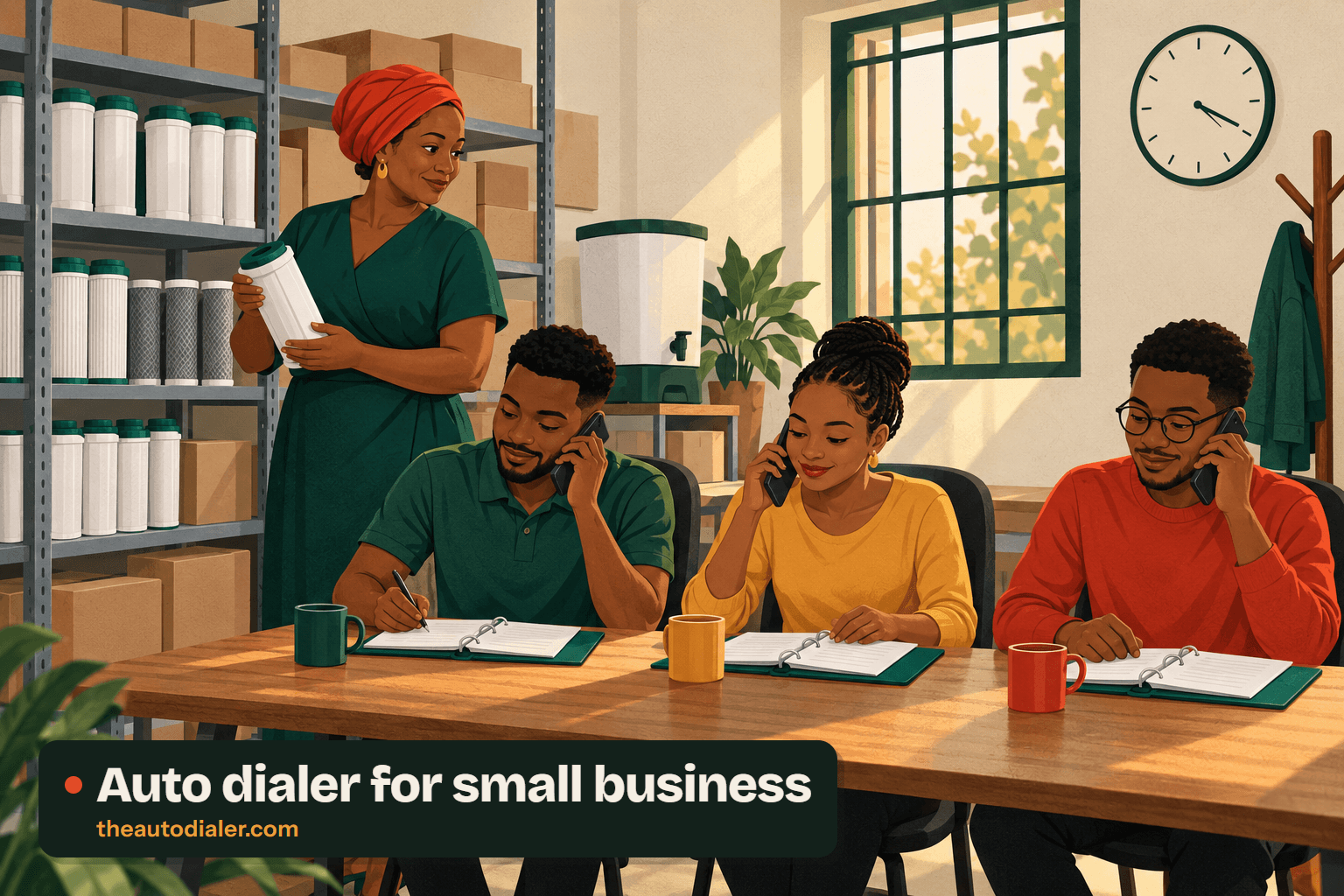
Auto dialer for small business setup
- Install the app on each caller's phone and sign in to the business account.
- Follow the guided permission screen so calls can start and reminders can ring on a locked phone.
- Send the customer spreadsheet to the phone on WhatsApp or mail and share it into the import screen.
- Point each spreadsheet column at the right field (name, phone, area, product); repeated numbers are dropped on the way in.
- Assign the imported leads to each caller, then start the first calling session.
The import step is described in more detail on the Excel auto dialer guide, and the complete sequence from install to first logged call is in the setup walkthrough. Fresh web and ad enquiries get their own routine on the auto dialer for leads page.
Auto dialer for small business features
| Feature | What it does | Best for |
|---|---|---|
| Guided setup | Walks each phone through the dialer, alarm and notification permissions. | Staff who have never changed a default app |
| Ask AI and video guides | An in-app help assistant plus a searchable tutorial library. | Answering "how do I" without phoning a vendor |
| Restore by signing in | Brings calls, leads, follow-ups and templates back on a new handset. | Broken, lost or replaced phones |
| After-call WhatsApp | Sends a set message after missed, outgoing or incoming calls. | Owners who cannot follow up every call personally |
| Paid clients and renewals | Records each sale with paid and due amounts and reminds before expiry. | Service contracts and yearly plans |
| Excluded numbers | Keeps chosen contacts out of backup and every automation. | Staff calling from a personal handset |
Auto dialer for small business cost
Each caller counts as one user, and the rate moves with the size of the team, which is why no figure is published; ask for a quote on call or WhatsApp at +91 63674 64415, and a free trial runs on your own list first. Call charges stay on each phone's existing mobile plan. Because the app is a SIM based dialer, there is nothing else to rent.
Auto dialer for small business example
A made-up case with round numbers, not a customer result.
The owner of a water-purifier service company in Nairobi has three staff on the phones and 900 customers whose yearly maintenance contracts come due at different times. She imports the customer sheet once, marks each sale as a paid client with its end date, and assigns 300 customers to each caller. Each morning the "expiring in the next 7 days" filter shows who is due; callers dial that filtered list, and anyone who renews is extended from the current end date with one tap. In the evening she reads the team call log instead of asking three people what they did.
Auto dialer for small business limits
If your business makes five or six calls a day, the phone's own dialer is enough and this app is overhead. If you are hiring a floor of agents with headsets, the comparison you need is on the call centre dialer page. And if you plan to buy a list of strangers' numbers, read the dialer rules by country before anything else. A business with one person doing all the calling can skip the team features entirely; the single-user dialer guide covers that case. Managers who want the reporting and lead-assignment side in depth will find it on the owner's view of the software, and larger firms with several departments can read auto dialer for business.
Auto dialer for small business FAQ
11 questions, answered
Which auto dialer for small business needs no IT team?
The Auto Dialer. Setup is an app install on each phone, a guided screen that grants the dialer, alarm and notification permissions, and a list import. There is no server, no telephony contract and no desktop software to maintain.
Is The Auto Dialer suited to a small business?
Yes. As an auto dialer for small business, The Auto Dialer suits owners who sell by phone with a few staff: it dials from their own SIMs, keeps every lead and remark in a shared account, and costs nothing per minute beyond the mobile plan.
What is the cheapest auto dialer?
Cheap depends on what you count. A free redial app costs nothing but keeps no lead record. The Auto Dialer bills by the user, at a figure that varies with how many callers you have, and adds nothing per minute because your own operator carries every call.
Can staff use their personal phones for business calls?
They can. On a dual SIM phone, set the business SIM as the default for calls and back up only that SIM. Numbers you mark as excluded stay out of the backup and out of every automation, which keeps family and friends private.
What happens to my leads when an employee leaves?
They stay with the business. Calls, leads, remarks, follow-ups and WhatsApp CRM chats sync to the company account, so a replacement signs in on a new phone and the history is restored there.
Can a small business try an auto dialer before paying?
Yes. The Auto Dialer offers a free trial, and the sensible test is your own customer sheet rather than sample data: import it, give each caller a share and run a normal working day. Asking on WhatsApp is the quickest route, and the team can help map the first import during the trial.
Do I need a computer to run a small business auto dialer?
No. Everything, from importing the sheet to dialing and logging outcomes, happens on the phone. A computer is optional: if staff look up customers in Chrome, clicking a number there makes their handset dial it, using the SIM, auto-call and speaker settings they picked.
Is an auto dialer worth it for a very small business?
It depends on volume, not company size. If the whole business places five or six calls a day, the phone’s built-in dialer is enough. Once someone spends a large part of each day working down a list of customers or enquiries, hands-free dialing and alarm-backed callbacks start to save real hours.
Can the owner stop staff from slowing down between calls?
Yes. The gap between calls in a session is adjustable, and an admin can lock it so callers cannot stretch it. A minimum call length can also be set before a lead counts as done, which stops a two-second hang-up from being logged as a finished conversation.
Does it track payments and renewals for a small business?
It does. One tap turns a lead into a paid client, each sale records the paid and due amount, and packages can be monthly, yearly or custom. Filters show clients expiring today or in the next seven days, and a renewal reminder fires before the end date so the contract is not missed.
Can a small business import customers from Excel or Google Sheets?
Both work. Excel, CSV and JSON files import once as their own list, while a Google Sheet can be linked as a live source that is re-read automatically at set intervals. Repeated numbers are dropped during import, and any skipped row is listed with the exact reason.
Run a trial with your own customer list
Send us the size of your team. We help import the first list and get every phone calling.