Dial from computer
Auto Dialer for PC That Sends Each Call to Your Phone
Looking for an auto dialer for PC? With The Auto Dialer, a number clicked in your desktop browser is rung out by the phone on your desk, over its own SIM.
Auto dialer for PC
An auto dialer for PC usually means one of two things. The first is desktop or browser software that makes calls over the internet, which needs a VoIP line, a headset and a per-minute or per-seat bill. The second, which is what The Auto Dialer offers, keeps the call on the phone and uses the computer only as the place where you click. Its dial from computer feature turns a click on a number in a Chrome tab into a call on the handset, shaped by 3 settings: which SIM carries the call, whether auto-call is on, and whether the speaker is used. The customer sees your mobile number, your operator bills the call as usual, and nothing on the computer has to handle audio. For someone who spends the day in a browser, reading orders, tickets or a web CRM, it removes the step of copying a number onto a handset by hand.
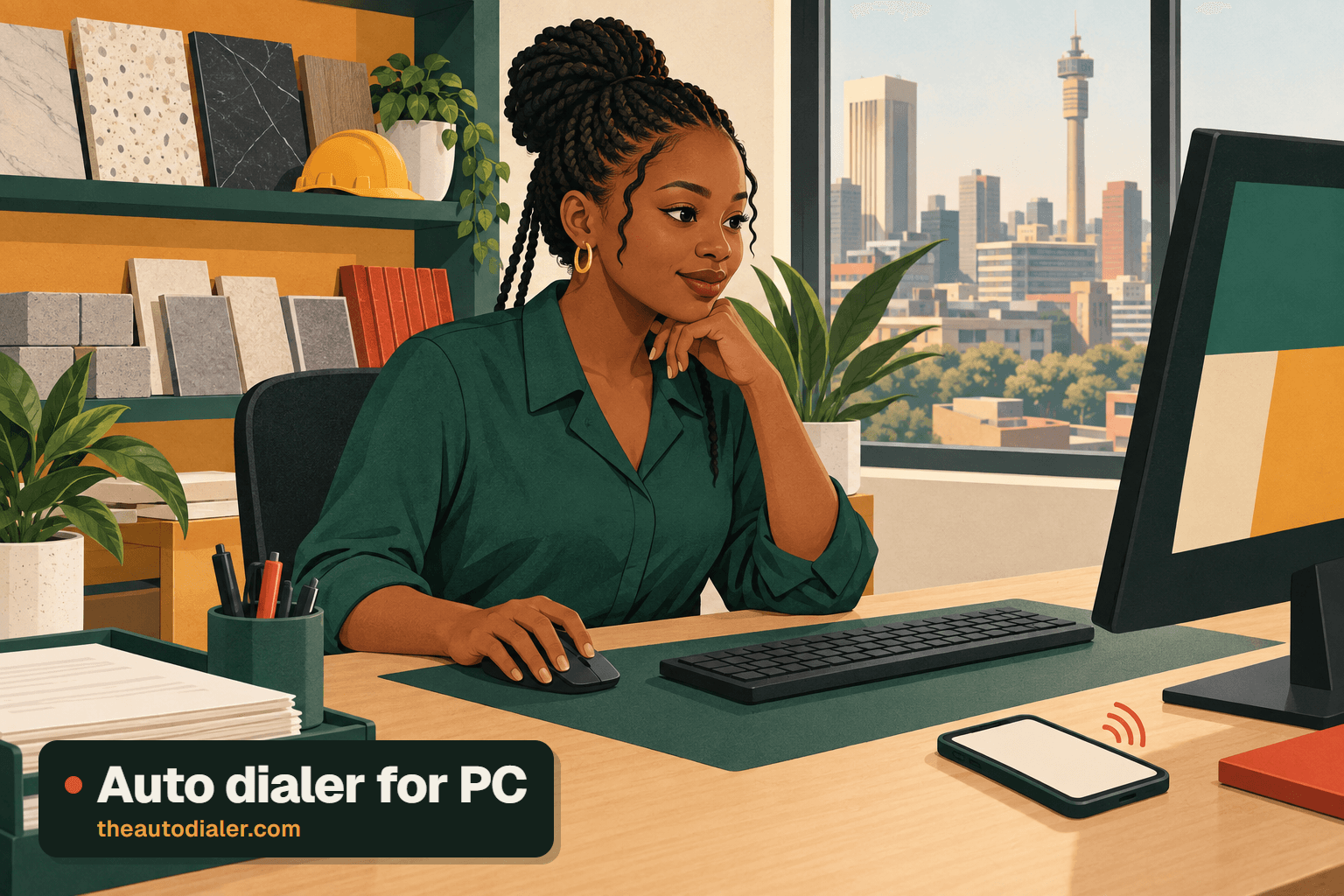
Auto dialer for PC features: dial from computer
| Feature | What it does | Best for |
|---|---|---|
| Click a number in Chrome | Sends the number from the browser to your phone, which dials it | People who work at a desk all day |
| SIM setting | Chooses which SIM on the phone places computer-started calls | Dual SIM phones with a work line |
| Auto-call setting | Controls whether the phone starts the call on its own | Desks that want one click per call |
| Speaker setting | Lets the call open on the phone's loudspeaker | A phone resting on the desk while you type |
| Lead record on the phone | Puts the lead's pipeline stage and newest note on screen as it rings | Knowing who you are calling before they answer |
| List sessions in the app | Dials a whole list one number after another | Long call lists that do not need the computer |
Auto dialer for PC vs software and phone-only dialing
- Computer-based calling software. Calls travel over the internet from a rented number. Best for contact centres with headsets, stable broadband and agents on fixed seats.
- Click in Chrome, call on the phone. Calls travel over the mobile network from your SIM. Best for small offices and sales desks that already have phones and do not want a telephony account.
- Phone only. The list is dialled from the app with no computer at all. Best for callers in the field or on the move.
Readers weighing the first option should read about dialers that run over VoIP. The second option is one flavour of click to call, a wider family of tools that turn a link or CRM entry into a ringing phone. Teams new to the third can follow auto dialing on an Android handset or read about the auto dialer for iPhone.
Auto dialer for PC example
Desk-day sketch with rounded counts; the business and person are invented.
An accounts assistant at a building supplies wholesaler in Johannesburg spends her morning in the order system in Chrome, chasing about 40 customers whose deliveries need confirming. Each customer page shows a mobile number. She clicks it, the phone beside her keyboard dials on the work SIM with the speaker on, and she types the confirmation into the order system while talking. Forty calls, no number typed twice. In the afternoon she has a separate list of 60 overdue reminders, and for that she switches to a list session on the phone, which moves through them without any clicking, with auto redial bringing back the numbers that did not answer.
Auto dialer for PC limits
The computer starts calls; it does not carry them. If you need to talk through a headset plugged into the PC, run many lines at once, or let calls continue with no phone present, you need computer-based calling software instead. Dial from computer is built around Chrome, so ask us before planning around a different browser. For everything else the phone app does, see the full feature list, and for a dialer run from a shared spreadsheet, the Google Sheets lead source, or for a file saved on the PC, the Excel auto dialer.
Auto dialer for PC FAQ
11 questions, answered
Is there an auto dialer for PC that uses my mobile number?
Yes, in the sense that matters to small offices. The Auto Dialer lets a browser click on the desktop become a SIM call on the handset beside it, so the person you ring sees the mobile number they already know.
Is there a free auto dialer for PC?
Free forever, no; free to try, yes. The Auto Dialer’s trial includes calling from the desktop, and after it each seat is billed at a rate that varies with headcount. Message or ring the team for the figure that fits you.
How to make calls from PC using Android phone?
Use a feature that hands the number from the computer to the handset. The Auto Dialer does this from Chrome, and three preferences on the phone decide the line used, whether dialling begins unprompted, and whether the loudspeaker comes on. You then talk on the phone.
Can The Auto Dialer serve as an auto dialer for PC or Windows?
It is a phone app with a dial-from-computer feature, not Windows software. The Auto Dialer lets the computer start calls through Chrome, while list sessions with automatic next-number dialing run in the app on the phone.
Do I need a headset or VoIP line to call from my computer?
Not with this approach. The phone carries the call over the mobile network, so you talk into the phone or its loudspeaker. A headset and an internet calling line are only needed for software that makes calls from the computer itself.
Can I make calls from PC using a SIM card?
Not with a SIM inside the computer, but you can start them there. Clicking a number in Chrome sends it to your phone, which places the call on its own SIM. A setting picks which SIM, so a dual SIM handset can keep its work line for desk calls.
Can I make calls from PC using iPhone?
Yes, in the same way as with Android. Dial from computer is part of the feature set, and the iPhone app includes everything except the phone’s call log, so the iPhone can be the handset that rings the number you click. Test one call during the free trial first.
Do I talk through the computer or the phone?
Through the phone. The computer only starts the call, and the audio travels over the mobile network to the handset. Switch on the speaker setting when the phone lies on the desk, so both hands stay free for typing into your order system or web CRM.
Does dial from computer work in browsers other than Chrome?
The feature is designed around Chrome, so plan on that browser for desk calling. If your office standardises on another browser, ask us before rolling it out to the team rather than assuming it will behave the same way.
What does the auto-call setting do?
It controls whether the handset starts ringing the number by itself the moment the computer sends it. With it on, each click becomes a call with no tap on the phone, which suits a busy desk; with it off, you get a moment to look before dialling.
Are computer-started calls saved to the lead record?
The phone app places the call, so it lands in the app’s call history, and the lead’s pipeline stage and latest note appear on the phone while it rings. When the call ends, the after-call sheet on the phone takes the outcome and the next follow-up.
Click on the computer, talk on the phone
Ask for a trial and we will set up dialing from Chrome with you.